To load a GLB model in three.js, import GLTFLoader from three/addons, call loadAsync() with the file URL and add gltf.scene to your scene. If the file is Draco-compressed, attach a DRACOLoader with a decoder path first. Add an environment map so PBR materials are not rendered black.
What a GLB file contains
GLB is the binary form of glTF 2.0, the Khronos standard for real-time 3D. One .glb file holds the node hierarchy, meshes, PBR materials, textures, cameras and animation clips. three.js reads it with GLTFLoader, which ships in the three package under three/addons/loaders/.
glTF has a fixed convention you can rely on: one unit is one metre and +Y is up. A well-made asset therefore needs no scaling or rotation when it reaches three.js.
1. The minimal loader
import * as THREE from 'three';
import { GLTFLoader } from 'three/addons/loaders/GLTFLoader.js';

const loader = new GLTFLoader();
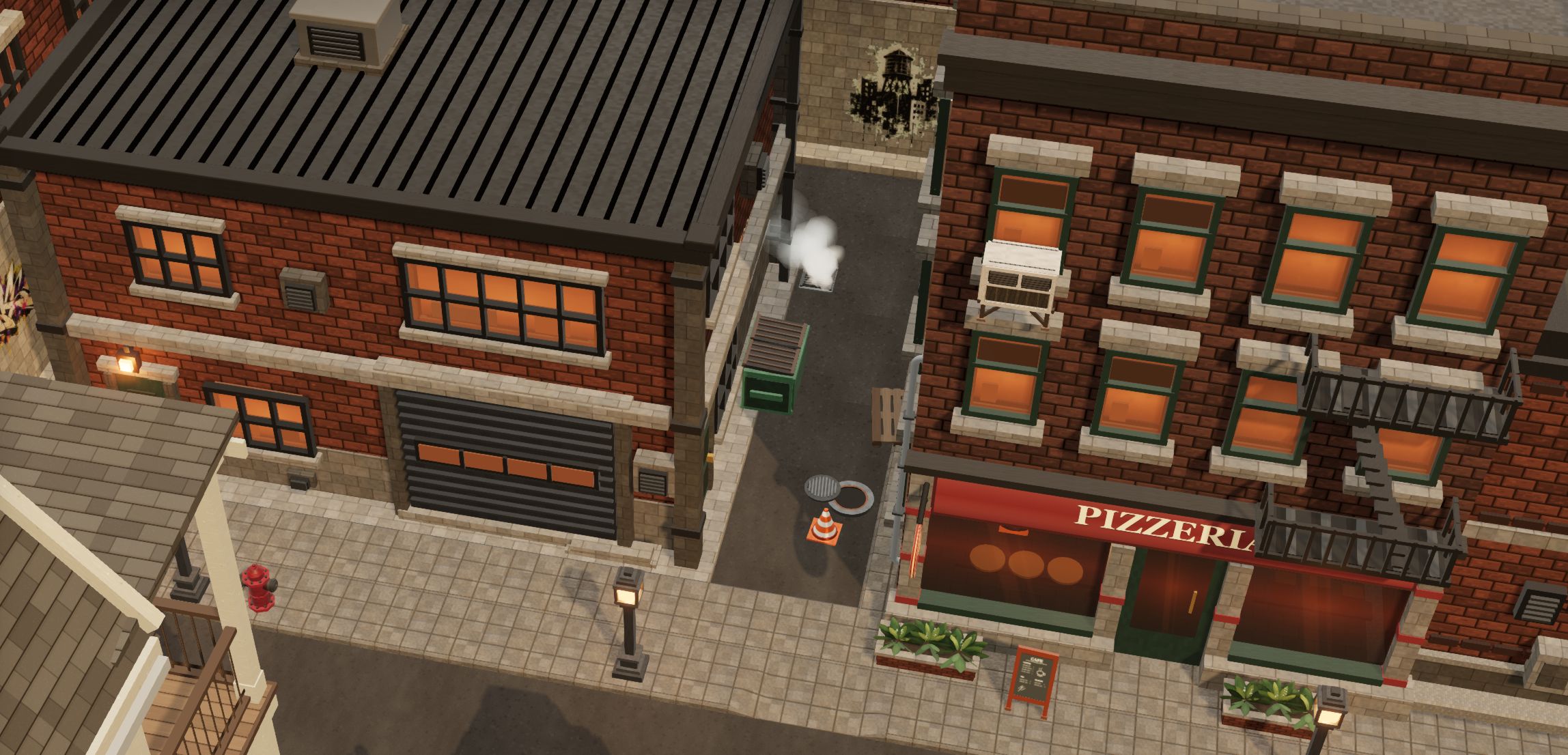
const gltf = await loader.loadAsync('/models/firehouse.glb');
scene.add(gltf.scene);
gltf.scene is an ordinary THREE.Group: move, rotate and scale it like any other object. gltf.animations holds the animation clips and gltf.parser gives access to the raw glTF JSON if you need it.
2. Draco-compressed files
Draco (KHR_draco_mesh_compression) shrinks geometry several times over, which matters on the web. A Draco file that is loaded without a decoder fails with an error about an unsupported required extension. Attach a DRACOLoader once and reuse the loader for every file:
import { DRACOLoader } from 'three/addons/loaders/DRACOLoader.js';

const draco = new DRACOLoader();
draco.setDecoderPath('https://www.gstatic.com/draco/versioned/decoders/1.5.7/');
const loader = new GLTFLoader().setDRACOLoader(draco);
To avoid a third-party request, copy node_modules/three/examples/jsm/libs/draco/ into your public folder and point setDecoderPath at it. Files compressed with Meshopt instead need loader.setMeshoptDecoder(MeshoptDecoder); KTX2 textures need a KTX2Loader. WebP textures (EXT_texture_webp) work without any extra setup.
3. Make PBR materials look right
glTF materials are physically based: metalness and roughness react to light and, above all, to reflections. With only a directional light, metal and glossy surfaces look flat or black. Give the scene an environment map:
import { RoomEnvironment } from 'three/addons/environments/RoomEnvironment.js';

const pmrem = new THREE.PMREMGenerator(renderer);
scene.environment = pmrem.fromScene(new RoomEnvironment(), 0.04).texture;
renderer.toneMapping = THREE.ACESFilmicToneMapping;
Since three.js r152 the renderer outputs sRGB and glTF colour textures are tagged sRGB by the loader, so you should not set colour spaces by hand. For shadows, enable them on the renderer and on the meshes:
renderer.shadowMap.enabled = true;
gltf.scene.traverse((o) => { if (o.isMesh) { o.castShadow = true; o.receiveShadow = true; } });
4. Play animations
const mixer = new THREE.AnimationMixer(gltf.scene);
const clip = THREE.AnimationClip.findByName(gltf.animations, 'Walk');
if (clip) mixer.clipAction(clip).play();
else console.warn('No such clip. Available:', gltf.animations.map((c) => c.name));

const clock = new THREE.Clock();
renderer.setAnimationLoop(() => {
  mixer.update(clock.getDelta());
  renderer.render(scene, camera);
});
5. Place the same model many times
Load a file once and clone it. gltf.scene.clone(true) copies the hierarchy but shares geometry and materials, so copies are cheap. Skinned characters must be cloned with SkeletonUtils.clone() from three/addons/utils/SkeletonUtils.js, otherwise every copy follows the first skeleton. For hundreds of identical props, an InstancedMesh per mesh draws them all in one call.
Troubleshooting
| Symptom | Usual cause | Fix |
|---|---|---|
| Model is black or very dark | Several possible causes: no lights, no environment for metallic PBR materials, very low exposure, or textures that failed to load | Check in this order: add a light; set scene. (step 3); check renderer.; look for texture 404s in the network tab; inspect material. and material. on one mesh |
| “extension not supported: KHR_draco_mesh_compression” | Draco file, no decoder | Attach a DRACOLoader (step 2) |
| Model is invisible | Wrong scale or camera inside it | Measure it: new THREE. |
| 404 or CORS error | Path is relative to the page, not the script | Serve the file from your public folder and use an absolute path |
| Washed-out colours | Colour spaces set by hand | Remove manual color overrides on glTF textures |
Try it with real files
Every 3D Asset pack ships its models in glb/ exactly as above: glTF 2.0, Draco geometry, WebP textures, 1 unit = 1 metre, pivot on the ground. The pack README repeats the loader snippet. You can test the whole path with the free samples before buying anything.
Frequently asked questions
What is the difference between .glb and .gltf?
Both are glTF 2.0. A .gltf file is JSON that usually references separate .bin and image files, though they can also be embedded in it as data URIs. A .glb usually packs everything into one binary file, though it may still reference external files. GLTFLoader reads both the same way.
Do I need Draco?
Only if the file was compressed with it. Draco makes downloads smaller at the cost of a short decode step, which is usually a good trade on the web. An uncompressed file loads without a decoder.
Which three.js version do I need?
Any recent release. The code on this page uses the three/addons import path and the colour-management defaults of r152 and later.